Loud tonesOne-tap setup
Loud yet comfortable
Carefully tuned alarms that cut through noise without sounding harsh—clear on iPhone speakers.
Support: independent volume · gentle fade-in
AI early-wake suggestions · Loud tones · Wake-up missions
More exercise · Better sleep · Unlock your full potential
Data sources: Apple Weather / QWeather (weather); WAQI / QWeather (air quality)
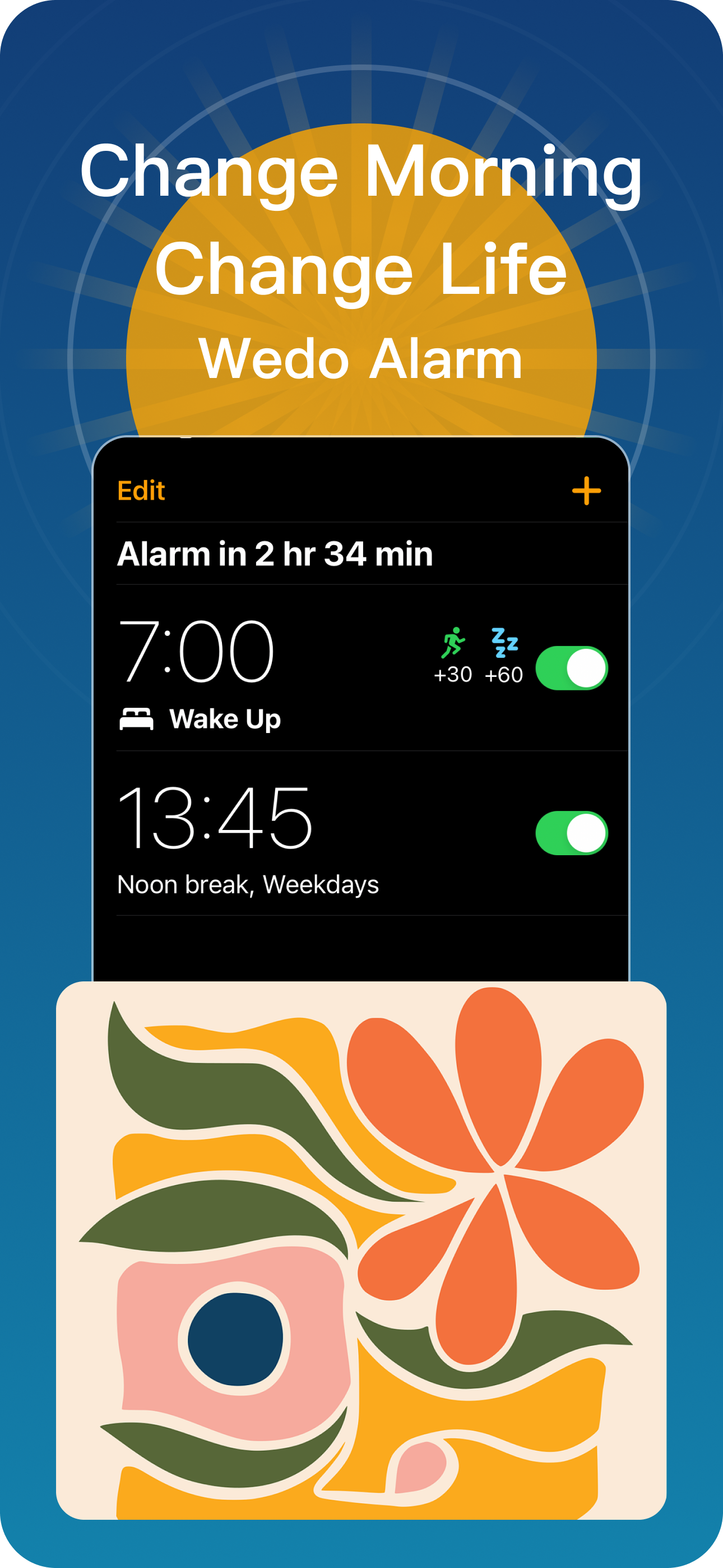
Everything is designed for “wake up on time and feel good getting up”.
Carefully tuned alarms that cut through noise without sounding harsh—clear on iPhone speakers.
Support: independent volume · gentle fade-in
Pick missions like Shake, Memory, Math, or Barcode. The alarm stops only after you finish—so you wake up fully.
Adjustable difficulty and question count
We assess local weather and AQI to suggest: “wake earlier for a workout” or “skip outdoor exercise today”.
No account required · Privacy-first
Before your alarm rings, Wedo Alarm evaluates outdoor conditions (temperature, precipitation, wind, AQI) and gives a clear recommendation.
Note: AI suggestions are for reference only and not medical advice. You can turn this feature off anytime in Settings.
Turn “getting up” into a small goal—finish it and you’re fully awake.
Shake your phone repeatedly. A simple, physical jolt to start the day.
Flip cards and match pairs. Light mental activation to clear the fog.
Solve a few quick problems. Difficulty is adjustable—the more you think, the more awake you feel.
Scan a pre-set code at home (like your toothpaste box) so you must physically leave the bed.
See the full Privacy Policy. For data access/deletion, contact [email protected].
Note: subscriptions may be introduced later. We’ll notify you in advance.
No. iOS triggers a notification at your alarm time and the app enters the ringing flow.
On some devices, system rules may limit volume or vibrate only. We recommend checking volume before bedtime.
Chinese, English, Japanese, Korean, French, German, Spanish, and more.